Online Casino Account Security: How to Protect Your Information
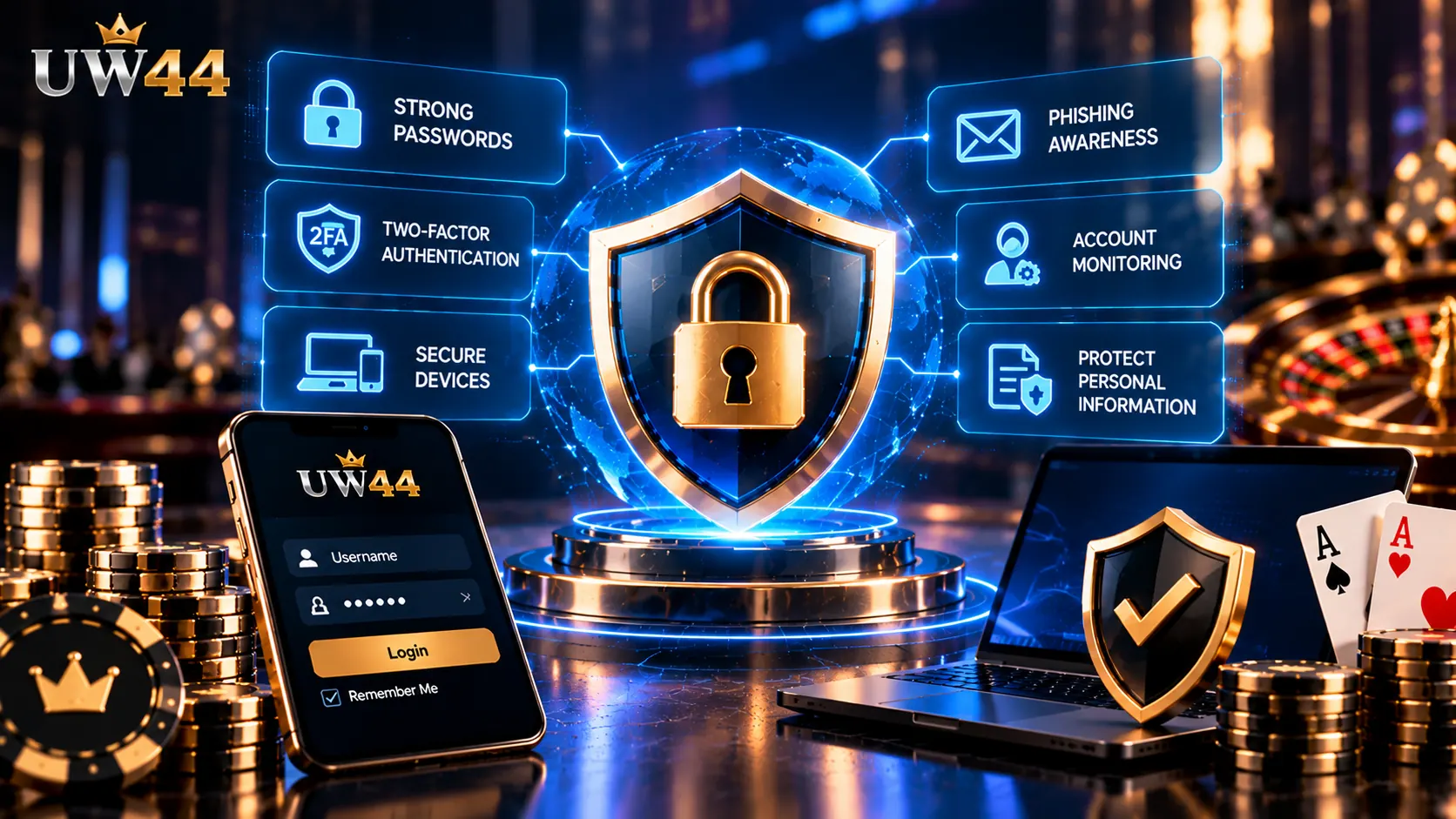
You open an account and notice that the password no longer works. A login notification appears from a device you do not recognise. Or someone claiming to be customer support asks you to provide a verification code.
These situations may indicate an account-security problem.
Online casino account security involves protecting login credentials, personal information, payment details and account access. It also means knowing how to respond when something appears suspicious.
The following guide focuses on practical account protection, including warning signs, password security, suspicious login activity and steps to take after a possible compromise.
Seven Warning Signs You Shouldn't Ignore
Not every unusual account event indicates fraud. However, certain changes deserve prompt investigation.
| Warning sign | Why it matters |
|---|---|
| Unexpected password-reset email | Someone may be attempting to access your account |
| Unrecognised login notification | Your credentials may have been used elsewhere |
| Changed account details | Another person may have accessed your settings |
| Missing account balance | Could indicate unauthorised activity or an account issue |
| Unfamiliar transaction history | Requires verification against actual records |
| Requests for OTPs or passwords | May indicate social engineering |
| Account access suddenly stops | Could result from security controls or unauthorised changes |
The correct response depends on the circumstances. A failed login, for example, might simply involve an incorrect password, while an unexplained change to account details requires closer attention.
Scenario 1: You Receive a Login Alert You Don't Recognise
Imagine receiving an email saying your account was accessed from an unfamiliar device.
The message could be legitimate, but it could also be a phishing attempt.
Avoid clicking links in the notification immediately.
Instead, open the service through a previously verified address or trusted bookmark.
Once there, review any available account activity and security settings.
If the login is genuinely unfamiliar, change your password and use the platform's official account-recovery or support procedures.
Where available, sign out of other sessions and enable additional authentication.
Important: Never share a one-time password or verification code with someone who contacts you unexpectedly.
Scenario 2: Your Password Stops Working
A rejected password does not automatically mean an account has been hacked.
It may be caused by a typing error, a changed password, an account restriction or a technical problem.
However, repeated failures combined with other suspicious activity may indicate unauthorised access.
What to Do
- Confirm that you are using the correct, previously verified website.
- Check for typing errors without repeatedly submitting passwords.
- Use the platform's legitimate password-recovery process.
- Review your email account for unexpected security changes.
- Contact the service through verified support channels if recovery fails.
If you reused the same password elsewhere, change it on those accounts too.
A compromised password can create risks beyond a single website.
Scenario 3: Someone Claims to Be VIP Support
Fraudsters sometimes impersonate support staff, account managers or promotional representatives.
They may claim that your account needs urgent verification or that a reward will expire unless you act immediately.
The message might request a password, one-time code, payment information or remote access to your device.
Urgency is often used to discourage careful verification.
A legitimate support process should not require you to disclose your password or authentication code to an unsolicited contact.
If a message seems suspicious, stop the conversation and independently verify the contact method.
For additional guidance on recognising impersonation attempts, read the UW44 article about identifying fake websites and phishing risks.
Scenario 4: Your Account Details Change Without Permission
Unexpected changes to an email address, phone number or other account information deserve attention.
If access remains available, review the account settings and any available security history.
Where the platform supports it, revoke unfamiliar sessions and update authentication credentials.
If the account is inaccessible, use the official recovery process.
Preserve relevant evidence, including notification emails, timestamps and screenshots of suspicious activity.
Avoid posting personal information or transaction details publicly while seeking assistance.
A Practical Account Security Checklist
Account protection does not require advanced technical knowledge. Several routine practices can reduce avoidable risks.
Use a Unique Password
Create a password that is not used for email, banking or other online services.
A password manager can help generate and store long, unique passwords.
Enable Additional Authentication Where Available
Multi-factor authentication adds another verification step beyond a password.
Its effectiveness depends on the method used and how securely recovery options are managed.
Secure Your Email Account
Email is often used for account recovery.
If someone gains access to your email, they may also be able to request password resets for connected services.
Use a strong password and additional authentication on your email account.
Keep Devices Updated
Install security updates for your operating system, browser and relevant applications.
Updates can address vulnerabilities that attackers might otherwise exploit.
Avoid Sharing Devices or Credentials
Using shared devices can expose saved passwords, account sessions and personal information.
If shared access cannot be avoided, do not save credentials and ensure you sign out when finished.
Review Account Activity
Where a platform provides login or transaction history, review it periodically for unfamiliar activity.
Report discrepancies through official channels.
What to Do If Your Account May Be Compromised
If several warning signs appear together, focus on limiting further exposure.
First, secure your email account. Change its password if compromise is suspected and review its recovery settings.
Next, attempt to secure the affected casino account. Use verified recovery options and update credentials where access remains available.
Then, check related financial accounts. If payment information may have been exposed, contact the relevant bank, card issuer or payment provider through its official channels.
Preserve evidence. Keep records of suspicious messages, transaction details and account notifications.
Report the incident. Use the platform's verified support procedures and, where appropriate, relevant financial or cybercrime reporting channels.
Do not pay someone who promises to recover an account or missing funds without verifiable credentials. Such offers can be another form of fraud.
Account Security and Personal Information
Casino account registration may involve personal information such as contact details and identity-verification records.
The sensitivity of this information makes privacy practices important.
Before submitting documents or other personal details, review the platform's privacy information and verify that the request is legitimate.
Be particularly cautious if someone asks you to send identification documents through an unexpected messaging account.
The existence of a privacy policy does not independently prove that a platform follows secure data-handling practices. Its actual procedures and compliance must be evaluated separately.
Understanding UW44 Account Access
UW44 provides an online casino website with account-related navigation and gaming information.
For account access, readers can refer to the UW44 login page and review the information presented there.
The availability of features such as multi-factor authentication, session management or detailed login history should be confirmed before relying on them.
For broader information about the platform, visit the UW44 homepage.
If an unexpected message claims to represent UW44, do not assume it is authentic simply because it includes the brand name or logo.
Use independently verified contact information and account-recovery procedures.
Frequently Asked Questions
How can I protect my online casino account?
Use a unique password, secure your email account, enable additional authentication where available, keep devices updated and verify unexpected messages.
What should I do if someone knows my casino password?
Change the password immediately through the legitimate website. If the same password is used elsewhere, change those passwords as well.
Can someone access my account through a phishing email?
A phishing email may direct you to a fraudulent page designed to collect credentials or verification codes. Avoid entering information through unverified links.
Should I share my OTP with customer support?
No. Do not disclose one-time passwords or authentication codes to someone who contacts you unexpectedly.
What if my account balance changes unexpectedly?
Review any available transaction records, preserve evidence and contact the platform through verified support channels. If related financial accounts may be affected, contact the relevant provider.
Is a website secure because it has HTTPS?
HTTPS helps encrypt communications between a browser and website, but it does not establish that the website is legitimate or trustworthy.
Does UW44 support two-factor authentication?
The availability of two-factor authentication should be verified through UW44's current account settings or official support information.
Final Thoughts
Online casino account security is not only about choosing a strong password.
It also involves protecting email access, recognising suspicious account changes, understanding phishing tactics and responding quickly when something appears wrong.
The most useful security habits are straightforward: verify requests independently, protect authentication credentials and use official recovery procedures.
Responsible Gaming: Gambling involves financial risk and is subject to applicable legal and age restrictions. Account-security measures protect information and access; they do not reduce the financial risks associated with gambling.
About the Author
Jason Tan
UW44 Online Casino Guides
Jason Tan is credited as the author of this guide covering account-security practices, suspicious activity and online safety considerations.
Author Profile: LinkedIn